New Branch#
You should already be on the main branch: your “default” branch. You can always check with git branch.
Two Ways to Create a Branch#
git branch my_new_branchThis creates a new branch called my_new_branch. The thing is, I rarely use this command because usually I want to create a branch and switch to it immediately. So I use this command instead:
git switch -c my_new_branchThe switch command allows you to switch branches, and the -c flag tells Git to create a new branch if it doesn’t already exist.
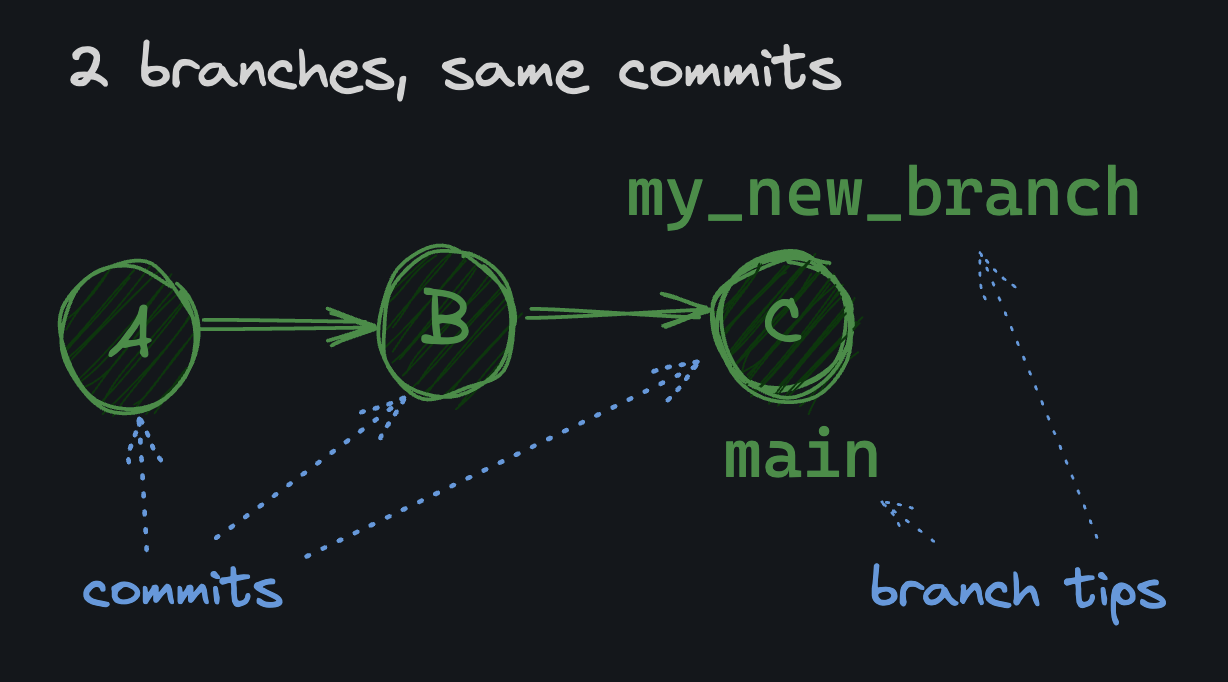
When you create a new branch, it uses the current commit you are on as the branch base. For example, if you’re on your main branch with 3 commits, A, B, and C, and then you run git switch -c my_new_branch, your new branch will look like this:
 # New Branch
We need a new feature branch, but to be able to practice a rebase, we want it to not include some of the recent commits on main.
Assignment#
- Use the git switch command to create and switch to a new branch called
update_dune, but branch off of theDcommit. You can supply the commit hash directly to thegit switchcommand:
git switch -c update_dune COMMITHASH